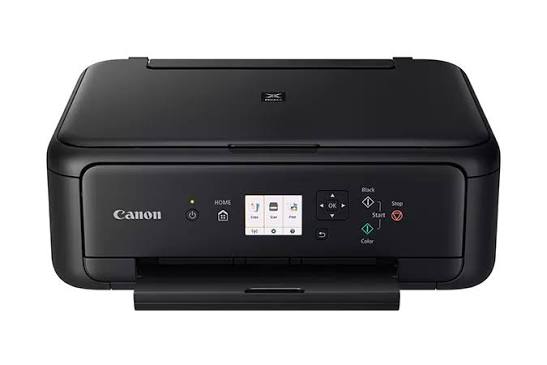
 Canon's newest Windows driver for the PIXMA TS5120 is TS5100 series MP Drivers Ver.1.03, dated 09 Feb 2026. Canon lists no macOS driver for this model in the data here. Each button opens Canon's own download link.
Which PIXMA TS5120 driver do I need?
All PIXMA TS5120 downloads from Canon
Each button opens Canon’s own download link. Canon publishes no checksums, so we list the version, date and size from Canon’s page. Our guide to checking a driver download shows how to verify a file.
Windows downloads for the PIXMA TS5120
Linux downloads for the PIXMA TS5120
PIXMA TS5120 driver troubleshooting
Windows does not detect the printer during setup
Check that the printer is on and connected by USB or to the same network as the PC. Restart both devices, then run the installer again. Close other print programs first, since they can block detection.
The driver install stops partway through
Close all open programs and turn off antivirus for a few minutes. Run the installer again as administrator. If it still stops, download the file again, because an incomplete download often causes the failure.
The scanner does not show up after install
Printing and scanning come from the MP Drivers package. Install TS5100 series MP Drivers Ver.1.03 if you only added the XPS driver. Then restart the PC and check that the printer is connected.
PIXMA TS5120 driver FAQ
Which Windows file should I pick?
Pick TS5100 series MP Drivers Ver.1.03 for full printing and scanning. The Full Driver & Software Package 1.4 downloads the drivers, application or manual you need. The XPS driver 6.10c is optional and adds 16-bit per colour printing.
Which systems do the Windows drivers cover?
They cover Windows 11, Windows 10, Windows 8.1 and Windows 7, in both x64 and standard versions. Canon lists no macOS file for this model in this data. Check Canon's site for macOS.
What is the security patch?
Windows Printers and Multifunction Printers security patch Ver.1.0.2, dated 09 Dec 2024, fixes a folder vulnerability in printer drivers installed on a PC. It is 0.04MB. It covers Windows 7 through 11 and Windows Server 2012 R2 through 2025.
Does Canon offer Linux files for this printer?
Yes. IJ Printer Driver Ver. 5.50 comes as rpm, Debian and source files for 32-bit and 64-bit Linux. ScanGear MP Ver. 4.91 scanner drivers come as rpm, Debian and source files for 64-bit Linux only.