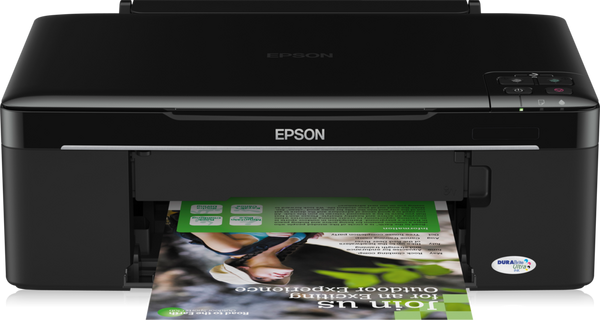
 The newest Epson SX125 driver is version 13.45 for macOS (released Jun 30, 2026). Each button opens Epson’s official Download Center for your system.
Which Epson SX125 driver do I need?
Epson marks the Epson SX125 as discontinued but still publishes its drivers. Epson lists a newer model, the Epson Stylus SX130.
Epson SX125 driver at a glance
All Epson SX125 downloads from Epson
Epson SX125 macOS downloads: printer drivers
Legacy_AllIn1_Home_1345AW_41.dmgmacOS 26macOS 15macOS 13macOS 10.15Buttons open Epson’s Download Center for this model and system; Epson serves the file there. Epson publishes no checksums, so we show the version, date and size from Epson’s own list. Our guide to checking a driver download shows how to compare a file. Older systems may have more files on Epson’s page for the Epson SX125.
Epson SX125 driver version history
How to install the Epson SX125 driver
- Check the table above first. Epson lists only a macOS Printer Driver for this model, and no Windows driver.
- Download the file that matches your macOS version, then close your other programs.
- Run the installer and follow its prompts.
- Connect the printer with its USB cable when the installer asks for it.
- Print a test page to confirm the driver works.
Epson also publishes a guided setup for the Epson SX125: Epson Setup Navi. Adding the printer by hand or installing on Linux? See our printer driver install guide.
Epson SX125 specifications
Source: Epson Europe product page for the Epson SX125 (SKU C11CA82331).
Epson SX125 driver troubleshooting
The computer does not detect the printer
Check that the USB cable is seated at both ends. Try a different USB port, then restart the printer and the computer. If it still fails, reinstall the listed driver.
A newer Windows or macOS version is installed and the driver will not work
The listed driver versions are the newest Epson publishes for this model. Epson has discontinued the SX125, and its newer model is the Stylus SX130. Reinstall the closest listed macOS driver.
The driver installed but nothing prints
Turn the printer off and on again, then restart the computer. Reconnect the USB cable directly to the computer, not through a hub. Remove and reinstall the driver if the problem remains.
For “driver is unavailable”, offline printers and stuck print jobs, see our printer driver troubleshooting guide.
Epson SX125 driver FAQ
Which driver does Epson offer for the SX125?
Epson lists one download, the Printer Driver for macOS. It controls the printer when it is connected to your computer.
How big is the download?
The file is 122.1 MB.
Which macOS versions are covered?
The listed driver covers macOS 10.15, macOS 13, macOS 15 and macOS 26.
What scanner software comes with the SX125?
The included software list names ABBYY FineReader PDF Sprint and Epson Easy Photo Print.
Last checked: Oct 28, 2026. Epson and Epson SX125 are trademarks of Seiko Epson Corporation. This site is not affiliated with Epson.