Advertisement
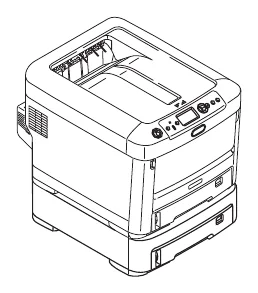

Download the Kodak DL2100 Duplex Printer driver
The support page lists these files for this printer. It lists no macOS driver, so this page covers Windows only.
Kodak DL2100 Duplex Printer files for Windows
| File | Version | Size | |
|---|---|---|---|
Windows printer driverDriverSupports: Windows 10, 8 and 7 (32/64-bit) |
1.0Jan 1, 2012 |
5.39 MB |
Download |
Color profile package (ICC)UtilitySupports: Windows |
-Jan 1, 2012 |
2.21 MB |
Download |
User's guide (PDF)ManualSupports: Any system with a PDF reader |
-- |
2.29 MB |
Download |
Kodak lists this driver with a 2012 date; it is the only driver the support page offers for this printer. You can compare every file with Kodak’s own Kodak DL2100 support page.
Install the driver step by step
First, download the driver and run the .exe file. Then the files are extracted to the C:\Kodak folder. Next, double-click setup.exe and follow the on-screen instructions. For the color profile, run the self-extracting file, choose a folder, click Unzip and follow the readme PDF inside.
Check your Windows version first
Before you download, check which Windows version you run. For example, open Settings, then System, then About, and read the System type line. It tells you whether the PC runs a 64-bit or a 32-bit system. Besides, the edition and the version number appear on the same page. Therefore, you can match them with the Supports line of each file in the table. However, if a file lists only 64-bit systems, a 32-bit PC cannot use it. In that case, choose another file or an older driver version. Finally, restart the PC after the installation, because the new driver loads more reliably after a restart.
For installer errors on Windows, see the driver installation guide for Windows 11 and the driver installation error guide.
Last checked: Nov 9, 2026. The Kodak name is a trademark of Eastman Kodak Company, used under license by Kodak Alaris. This site is not affiliated with Kodak or Kodak Alaris.
Advertisement